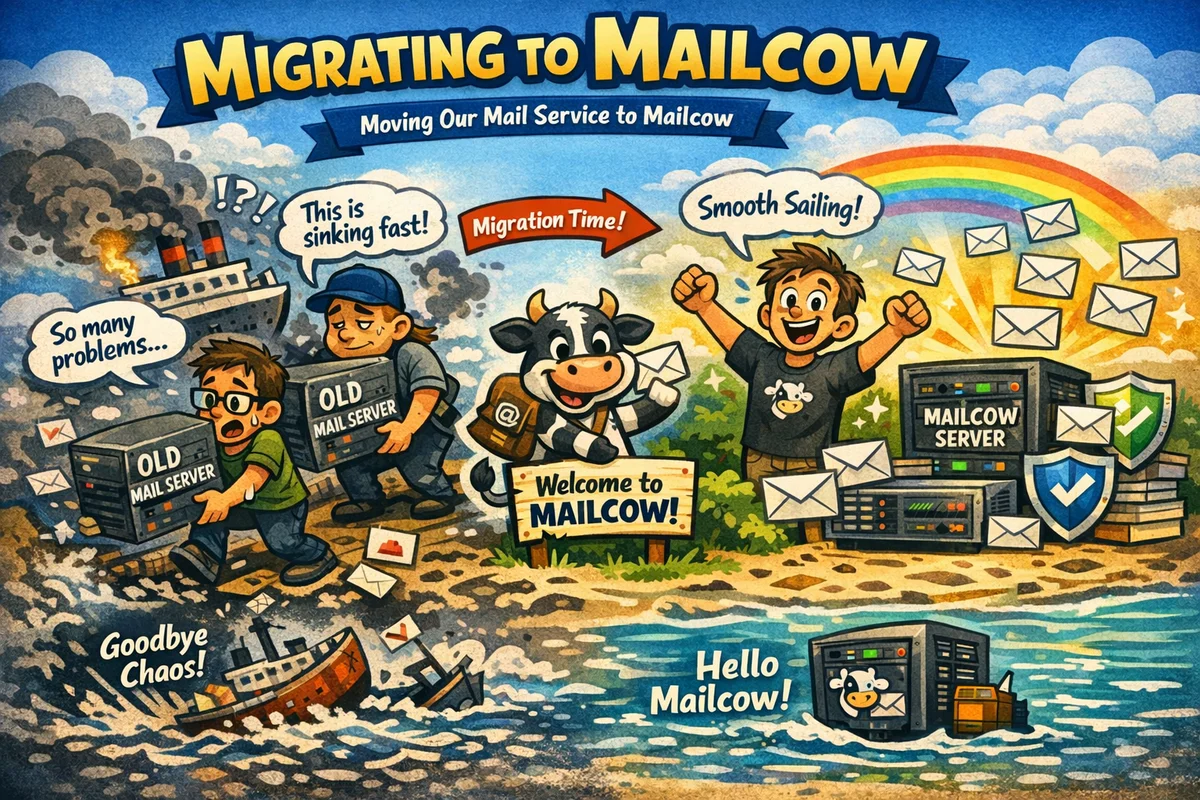
Migrating ransomware.live Email from ProtonMail to Mailcow
Introduction
TL;DR: I migrated the ransomware.live email domain from ProtonMail to a self-hosted Mailcow instance on OVH, mainly to get proper control over spam filtering. I also switched from email forwarding to IMAP polling for Freshdesk, added Spamhaus as an RBL, and set up the full DNS stack: SPF, DKIM, DMARC, BIMI, MTA-STS and TLS-RPT. It took a few hours, zero downtime, and it was worth it.
1. What is Mailcow?
If you've never heard of Mailcow, let me give you the short version. It's a self-hosted email server suite, packaged as a Docker stack, that handles pretty much everything you'd expect from a modern mail platform: sending, receiving, webmail, spam filtering, antivirus, DKIM/DMARC/SPF management, and a clean web UI to manage it all.
The longer version: Mailcow bundles together a collection of well-known open-source components. Postfix for SMTP, Dovecot for IMAP, SOGo as the webmail client, rspamd for spam filtering, ClamAV for antivirus, and a few others. All of it wrapped in a coherent, maintained stack with a solid admin interface. No need to glue everything together yourself.
It's not a managed service. You run it on your own server, you own the data, you manage the updates. That comes with the usual trade-off: more control, more responsibility. But for someone comfortable with a Linux terminal and Docker, the setup is surprisingly smooth.
The project is open-source, actively maintained, and has a decent community around it. You can find the documentation at docs.mailcow.email and the source code on GitHub. It's one of those tools that does what it says on the tin and does it well.
2. Under the Hood: the Docker Stack
One of the things I appreciate about Mailcow is that it is not magic. It is a well-assembled collection of containers, each doing one specific job. Here is what is actually running on the VPS.
| Container | Image | Role |
|---|---|---|
postfix-mailcow |
postfix 3.7.11 | SMTP server. Handles all inbound and outbound email delivery on ports 25, 465 and 587. The front door of the whole system. |
postfix-tlspol-mailcow |
postfix-tlspol 1.8.23 | TLS policy daemon for Postfix. Enforces MTA-STS and DANE policies on outbound connections, ensuring emails are sent over encrypted channels where required. |
dovecot-mailcow |
dovecot 2.3.21 | IMAP and POP3 server. Handles mailbox access for clients on ports 143, 993, 110 and 995. Also manages the Sieve filtering engine on port 4190. |
rspamd-mailcow |
rspamd 3.14.3 | Spam filtering engine. Scores every inbound and outbound message using statistical analysis, RBL lookups, DKIM/SPF/DMARC checks, URL reputation and custom rules. The heart of the anti-spam stack. |
clamd-mailcow |
clamd 1.71 | ClamAV antivirus daemon. Scans email attachments for malware and known malicious payloads. |
olefy-mailcow |
olefy 1.15 | Bridge between rspamd and OLE (Office document) analysis. Passes Office file attachments through oletools for macro and exploit detection. |
unbound-mailcow |
unbound 1.25 | Local recursive DNS resolver. Used internally by Postfix and rspamd for fast, private DNS lookups including RBL queries. Avoids depending on public resolvers. |
sogo-mailcow |
SOGo 5.12.8 | Webmail and groupware interface. Provides a browser-based email client with calendar and contacts support. |
nginx-mailcow |
nginx 1.06 | Reverse proxy and web server. Terminates HTTPS on ports 80 and 443, serves the admin UI, the webmail interface and the API. |
php-fpm-mailcow |
PHP 8.2.29 | PHP runtime for the Mailcow admin interface and API backend. |
acme-mailcow |
acme 1.97 | Automatic TLS certificate management via Let's Encrypt. Handles certificate issuance and renewal for the mail and web stack. |
mysql-mailcow |
MariaDB 10.11 | The main database. Stores all configuration: domains, mailboxes, aliases, DKIM keys, rspamd settings and so on. |
redis-mailcow |
Redis 7.4.6 | In-memory cache and message broker. Used by rspamd for greylisting data, rate limiting and temporary scoring state. |
memcached-mailcow |
memcached alpine | Cache layer used by SOGo for session and object caching. |
netfilter-mailcow |
netfilter 1.64 | Fail2ban equivalent built into Mailcow. Monitors authentication failures and SMTP abuse, and automatically blocks offending IPs at the network level. |
watchdog-mailcow |
watchdog 2.11 | Internal health monitoring. Checks that all critical containers are running and responsive, and can restart them or alert if something goes wrong. |
dockerapi-mailcow |
dockerapi 2.12 | Internal API that allows the Mailcow admin interface to interact with the Docker daemon, for example to restart containers from the UI. |
ofelia-mailcow |
ofelia latest | Cron job scheduler for the stack. Runs periodic maintenance tasks such as Rspamd learn, database cleanup, log rotation and SOGo session cleanup. |
3. Why the Migration?
For a while, the ransomware.live domain was hosted on ProtonMail. Proton is a solid service, privacy-focused, reliable, and I have no real complaints about the core product. But my use case had a specific twist.
The the support email from ransomware.live address wasn't really a mailbox. It was a forward, redirecting everything to my Freshdesk instance for ticket management. (Why Freshdesk? That's a story for another post.)
The problem started gradually, then became impossible to ignore: the address was getting hammered with spam and not just spam, but phishing emails. Quite a few of them were slipping through ProtonMail's filters and landing straight in Freshdesk, creating noise and, frankly, a bit of a security concern for an address associated with a threat intelligence platform.
The issue wasn't really ProtonMail's fault. Their filtering is designed for a standard mailbox, not a forwarding address feeding into a third-party ticketing system. That combination creates blind spots that are hard to compensate for without control over the filtering layer.
I needed something I could tune myself. Fine-grained spam rules, custom rspamd policies, the ability to tweak thresholds and add custom filters. Mailcow gave me exactly that, and that's what pushed me to make the move.
4. How Was the Migration?
For the hosting, I went with a fresh VPS at OVH. The specs are modest but perfectly sized for a single domain mail server: 4 vCPUs (Intel Haswell), 8 GB of RAM, and a 72 GB disk. In practice Mailcow uses around 3.8 GB of RAM at rest with all its containers running, so there is comfortable headroom. Storage is largely empty for now at only 15% used.
Mailcow runs as a Docker stack so the installation itself was straightforward. The documentation is well written and a few commands later the stack was up.
The real time sink was the DNS side of things. My DNS is managed through Gandi, and I spent a good chunk of time wrapping my head around the full chain: SPF, DKIM, DMARC and even BIMI. Each one has its own syntax quirks, its own logic, and its own way of silently failing if you get a record slightly wrong.
Once the records were in place, I used a handful of tools to verify everything before flipping the switch for real:
- internet.nl is probably the most comprehensive one. It tests your mail server against a broad set of modern standards including STARTTLS, DANE, DKIM, DMARC, SPF and IPv6. The scoring is strict, which is actually useful.
- MXToolbox for a quick sanity check on MX records, blacklist status and SMTP diagnostics.
- Mail Tester is great for end to end validation. You send an email to a generated address and get a detailed score on deliverability, spam score, authentication and content.
- DMARC Analyzer to validate the DMARC record syntax and understand the reporting setup.
- easydmarc.com has a solid SPF and DKIM checker if you want to isolate specific records.
- BIMI Inspector for the BIMI record, because that one is particularly easy to get subtly wrong.
I plan to write a dedicated post on the DNS part because it deserves its own space.
For the cutover itself, I decided to start fresh rather than migrate old emails over. The existing mailbox stays on Proton as an archive, and the ransomware.live domain now lives entirely on the new Mailcow instance. No downtime: by staging the DNS records ahead of time and keeping the TTLs low before the switch, the transition was seamless. The whole operation took a few hours from start to finish.
5. Tuning
The DNS records, explained
Once everything was live, here is what the DNS configuration for ransomware.live actually looks like. A good way to understand what you set up and why.
MX record
10 mail.ransomware.live.
Straightforward. All incoming mail is directed to mail.ransomware.live, which is the Mailcow instance itself. Priority 10, nothing fancy.
SPF record
v=spf1 mx a -all
This authorises the MX server and the A record of the domain to send email, and hard fails everything else (-all). Clean and strict.
DKIM record
dkim._domainkey.ransomware.live TXT v=DKIM1; k=rsa; t=s; s=email; p=<public key>
Mailcow generates and manages the DKIM keypair automatically. The selector here is dkim, the key type is RSA 2048. Every outbound email is cryptographically signed, which allows receiving servers to verify the message has not been tampered with in transit.
DMARC record
v=DMARC1; p=reject; rua=mailto:mailauth-reports@ransomware.live
Policy set to reject, which is the strictest level. Any email claiming to be from ransomware.live that does not pass SPF or DKIM alignment will be rejected outright, not just sent to spam. Aggregate reports are sent to a dedicated internal address so I can monitor authentication failures over time.
BIMI record
v=BIMI1; l=https://images.ransomware.live/ransomwarelive.svg; a=;
BIMI allows supporting email clients to display the ransomware.live logo next to emails in the inbox. The SVG is hosted on the platform's own image server. The a= field for the VMC certificate is intentionally empty for now: getting a proper Verified Mark Certificate costs around $1,000 per year, which is a bit steep for a personal project. Most clients will still display the logo without it, though Gmail notably requires the certificate for full support.
MTA-STS
v=STSv1; id=20260516140000
MTA-STS enforces TLS encryption for inbound mail delivery, preventing downgrade attacks where a sender could be tricked into delivering mail unencrypted.
TLS-RPT
v=TLSRPTv1; rua=mailto:tlsrpt@ransomware.live
TLS reporting sends delivery failure reports to a dedicated address, so I can track any TLS negotiation issues on inbound connections.
Spam filtering with rspamd
The main reason for the whole migration was regaining control over spam filtering, so this part matters.
Mailcow ships with rspamd as its spam filtering engine, and it is genuinely powerful. Out of the box it already handles greylisting, DKIM verification, SPF checks, DMARC alignment, URL reputation and a bunch of statistical analysis. But the key change I made was on the architecture side, not just the rules.
Previously, the support email from ransomware.live was a simple forward to Freshdesk. That meant spam filtering happened before the forward, with no visibility into the full email headers on the Freshdesk side. Now, instead of forwarding, Freshdesk connects to the mailbox directly via IMAP. This single change makes a big difference: rspamd processes every incoming message before Freshdesk ever sees it, spam gets scored and filtered at the Mailcow level, and when a message does land in Freshdesk, I have access to the full original headers. Debugging a suspicious email is now actually possible.
On top of that, I added Spamhaus as an RBL (Real-time Blocklist). Spamhaus maintains some of the most reliable IP and domain reputation lists in the industry, and plugging it into rspamd means any sender with a known bad reputation gets flagged or rejected before any content analysis even runs.
I also have a few custom rspamd rules in place, tailored to the specific patterns of noise that the support email from ransomware.live tends to attract. The flexibility to write them is exactly why I made this move.
6. How an Inbound Email Flows Through the Stack
To make this more concrete, here is what actually happens when someone sends an email to the support email from ransomware.live, from the moment it hits the server to the moment it lands in the mailbox.
1. Connection and SMTP (Postfix)
The sending server connects on port 25. Postfix handles the SMTP handshake, checks the sender's IP against DNS blocklists via Unbound, and enforces MTA-STS and DANE policies via the TLS policy daemon.
2. Spam and malware analysis (rspamd + ClamAV + olefy)
Before the message is accepted, Postfix hands it off to rspamd via the milter protocol. rspamd runs the full analysis pipeline: SPF check, DKIM signature verification, DMARC alignment, RBL lookups (including Spamhaus), URL reputation, Bayes statistical scoring and any custom rules. If the message contains Office attachments, olefy passes them through oletools for macro analysis. If it contains any other attachments, ClamAV scans for malware. Each check contributes a score. If the total score crosses the rejection threshold, the message is rejected at the SMTP level, before it is even fully accepted by Postfix.
3. Delivery to the mailbox (Postfix + Dovecot)
If the message passes the filters, Postfix accepts it and delivers it to the local mailbox via the LMTP protocol, handing off to Dovecot. Dovecot writes the message to the mailbox storage and applies any Sieve filtering rules defined for the account.
4. Access by the client (Dovecot)
Freshdesk connects to the mailbox via IMAP on port 993. Dovecot serves the message with its full original headers intact, including all the rspamd scoring metadata. If something suspicious slips through, the headers tell the whole story.

Comments
Submit comment
No comments yet. Be the first to share your thoughts!